Hey collaborators, contributors, and concertmasters!
Ever want to workshop the visual identity of your album before it goes live? Obviously! Well you can now add album art to your projects in Concerto.
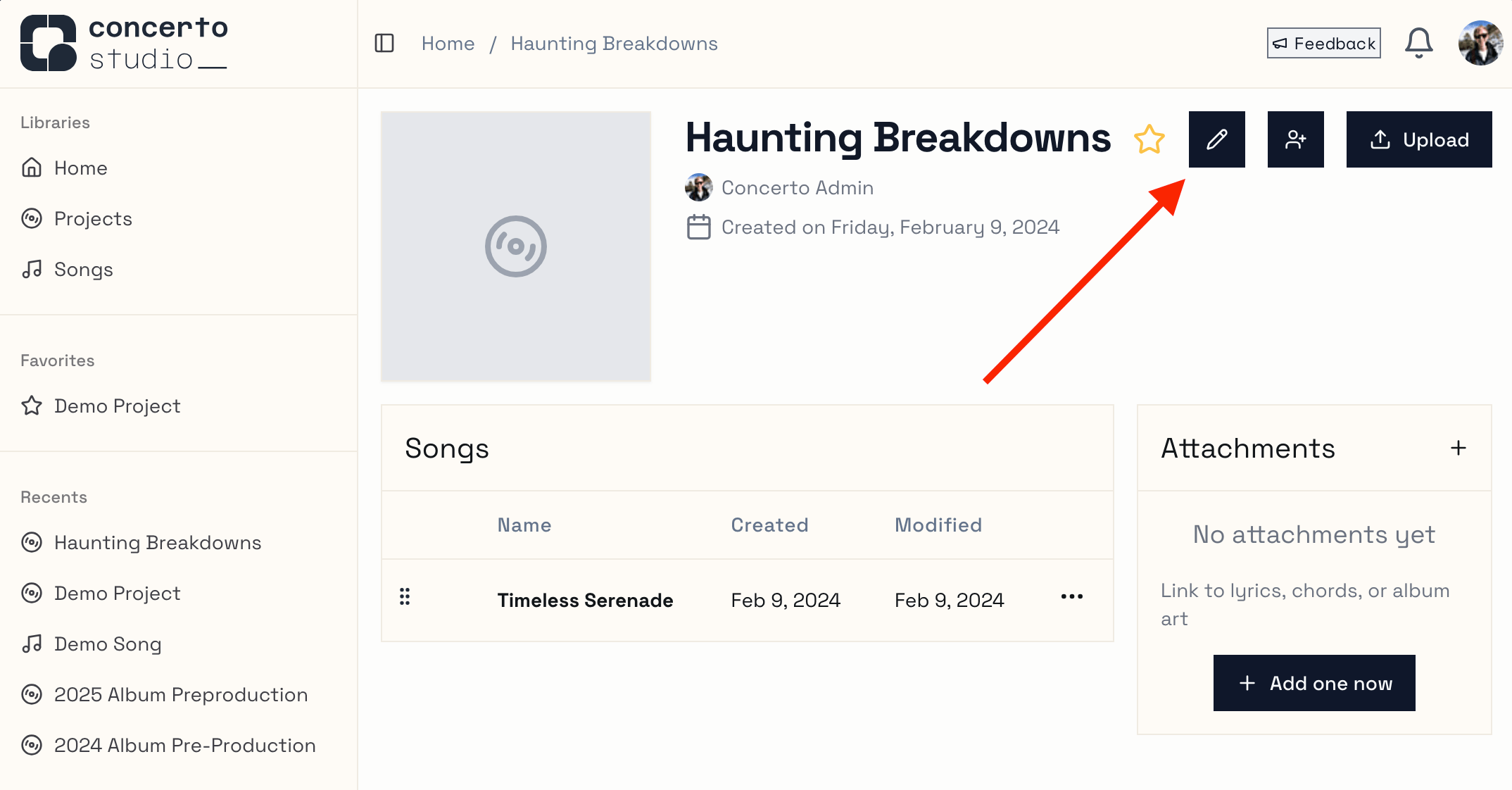
Navigate to a project that you own are are an editor on, then enter edit mode by clicking the pencil icon
From here you can click the Add button to select an image file. Be sure to save when you're done by clicking the check mark!
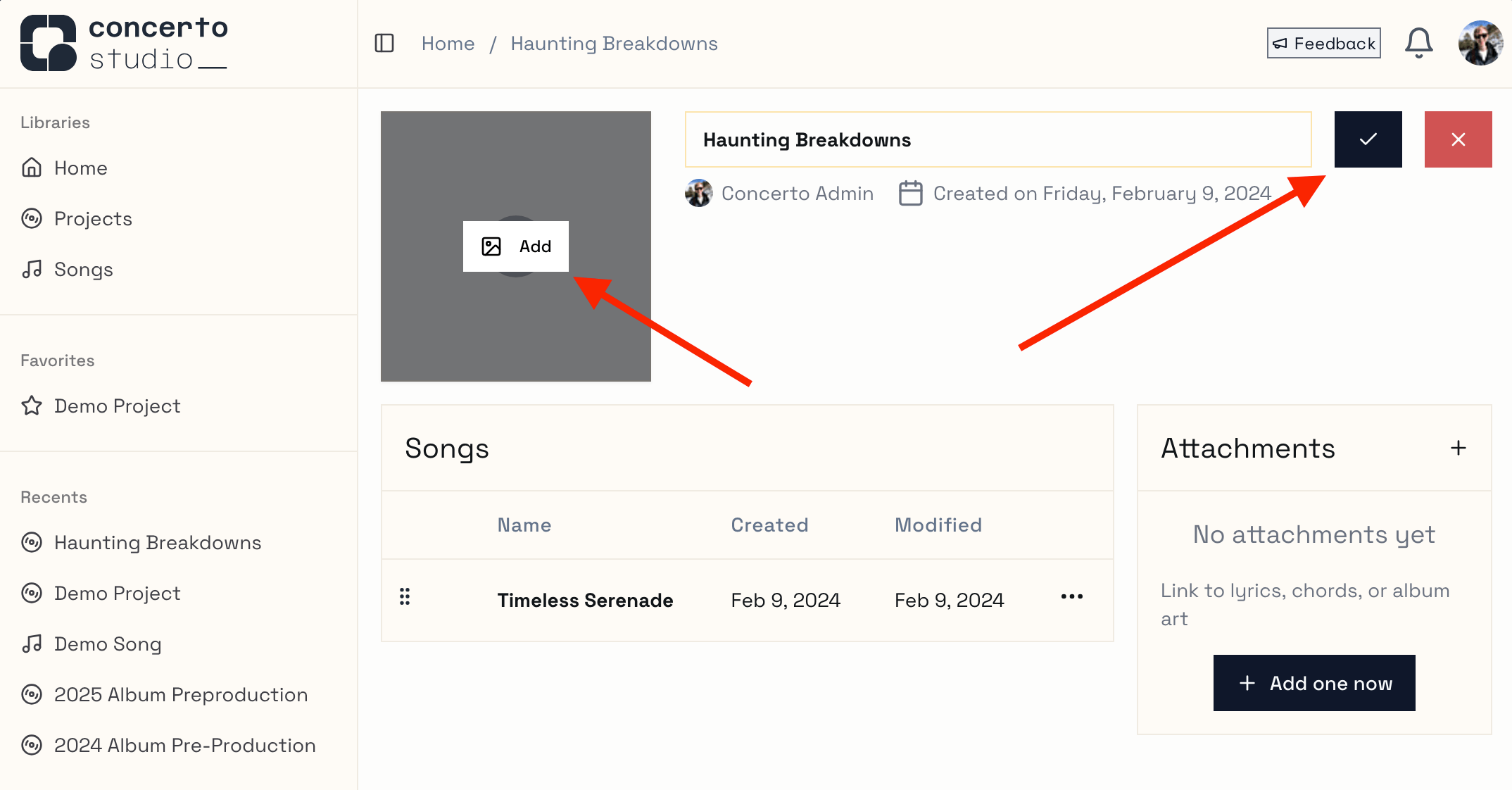
Once you have added album art, you can replace it or remove it at any time.
Other changes
We've been hard at work making concerto safer, faster, and easier to use. Here's a rundown of the latest:
Recents and Favorites are now synced to the server - that means you'll see the same items on any machine you log in on!
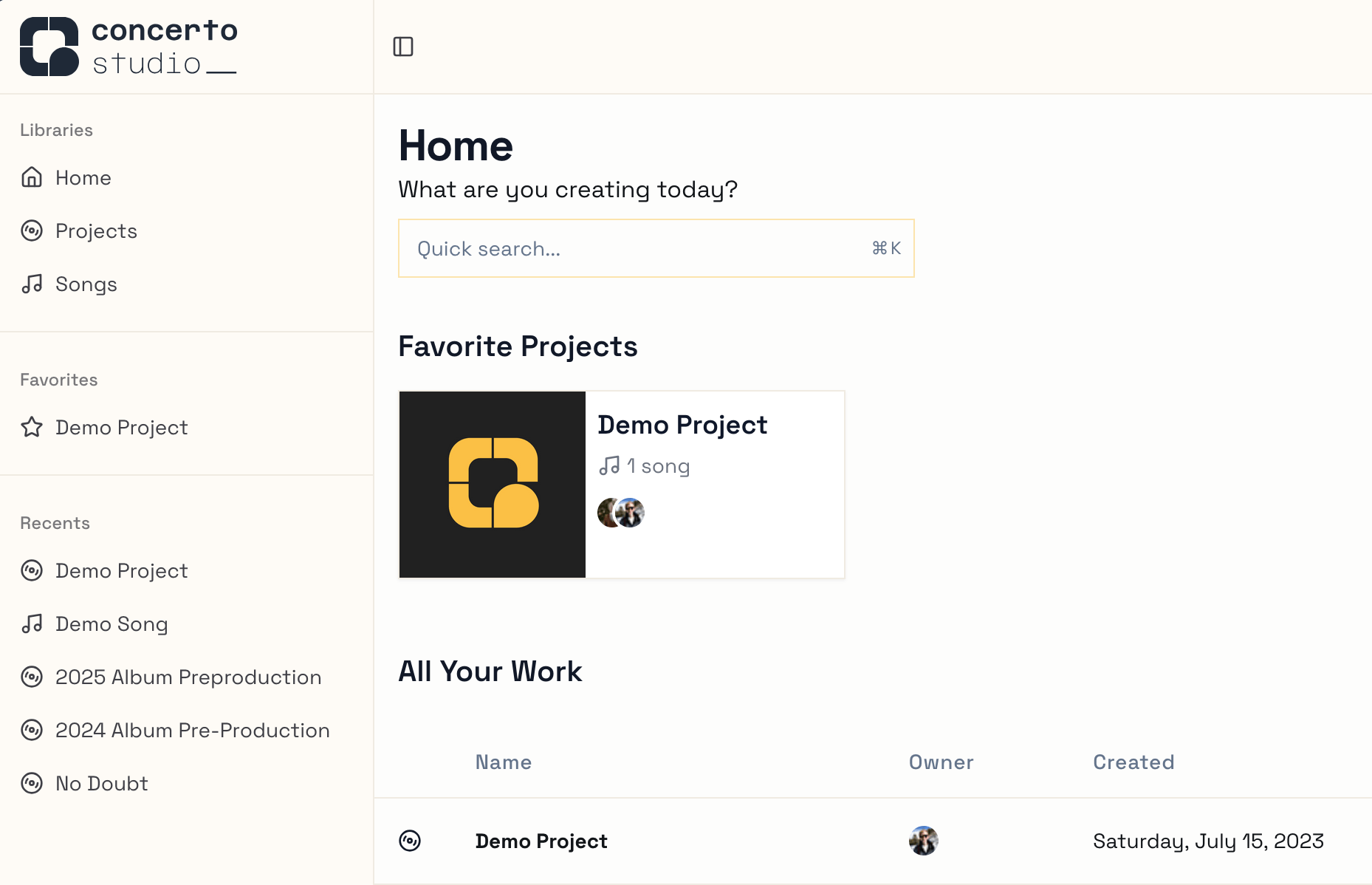
Favorite projects have a more prominent and visually appealing spot on the home page - it's easier than ever to jump right back in to your flow.
System theme was improved - head to Settings to select your preferred theme.
Systemis responsive to your browser and operating system settings.Multiple infrastructure components were reworked or retired, decreasing latency and increasing stability - everything should feel a little faster now.
The permissions system was reworked - still the same data, but made more granular and ergonomic for development. You'll see this in the action menus available across the app.
The changelog (this changelog!) is now visible at https://concerto.studio/changelog instead of only at a 3rd party site.