Hey collaborators!
Not everyone you send music to has a Concerto account (yet). Mastering engineers, label folks, the bandmate who refuses to make one more login - sometimes you just need to send a link that plays. Now you can, with public links.
Turning Them On
Public links are off by default, so nothing in your workspace becomes public until you decide it should. There are two switches. First, a workspace admin turns them on in Workspace Settings with the switch on the Public Links card.

Then each project gets its own say. A project admin opens the project's Share menu and flips on Public links. Until they do, nobody can make links to anything in that project, editors included.
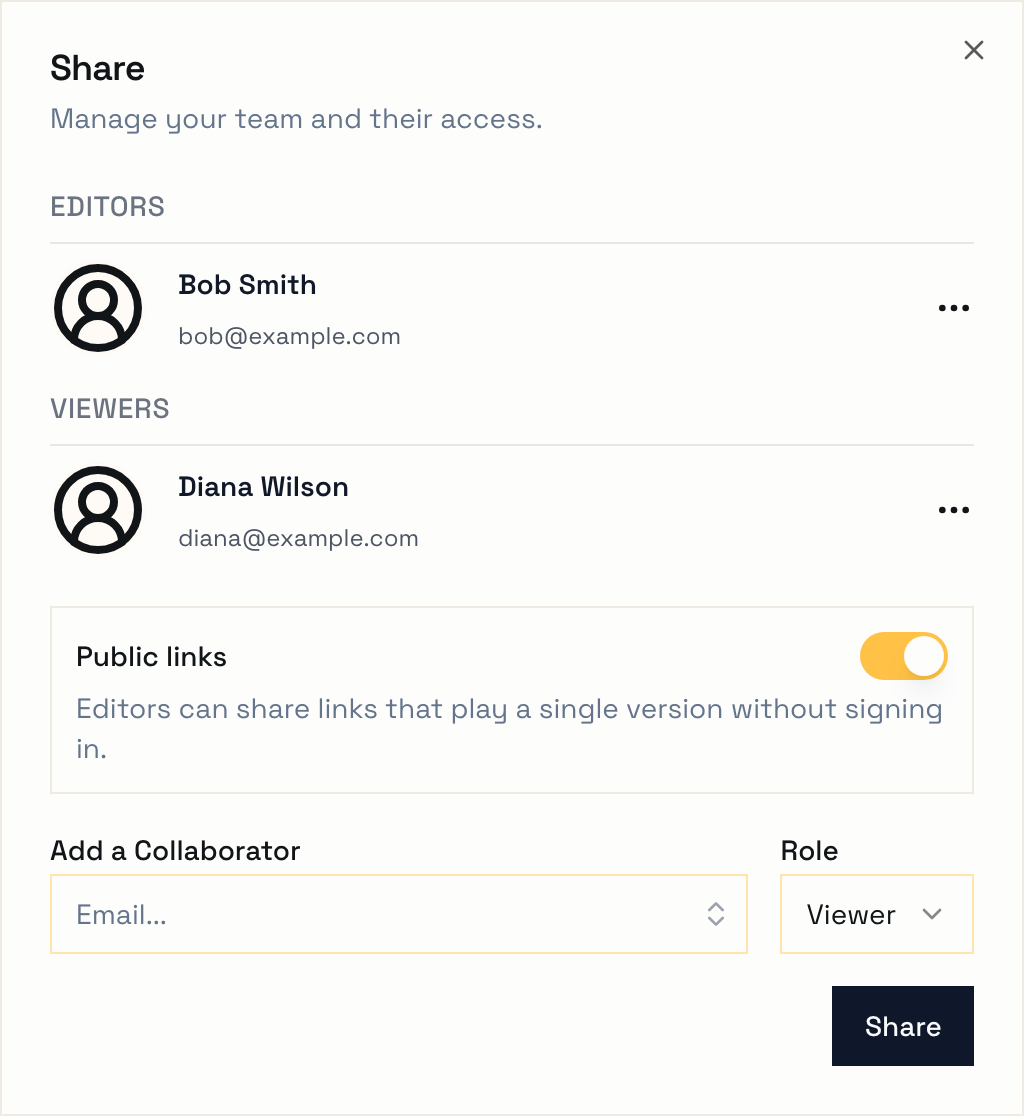
If you turn either one off later, every public link under it stops working. Turn it back on and they all work again, same URLs and all.
Making a Link
Once public links are on for the project, open any version you can edit and click the link icon at the top of the page, next to the pencil. Hit Create link, copy it, and send it wherever you want.
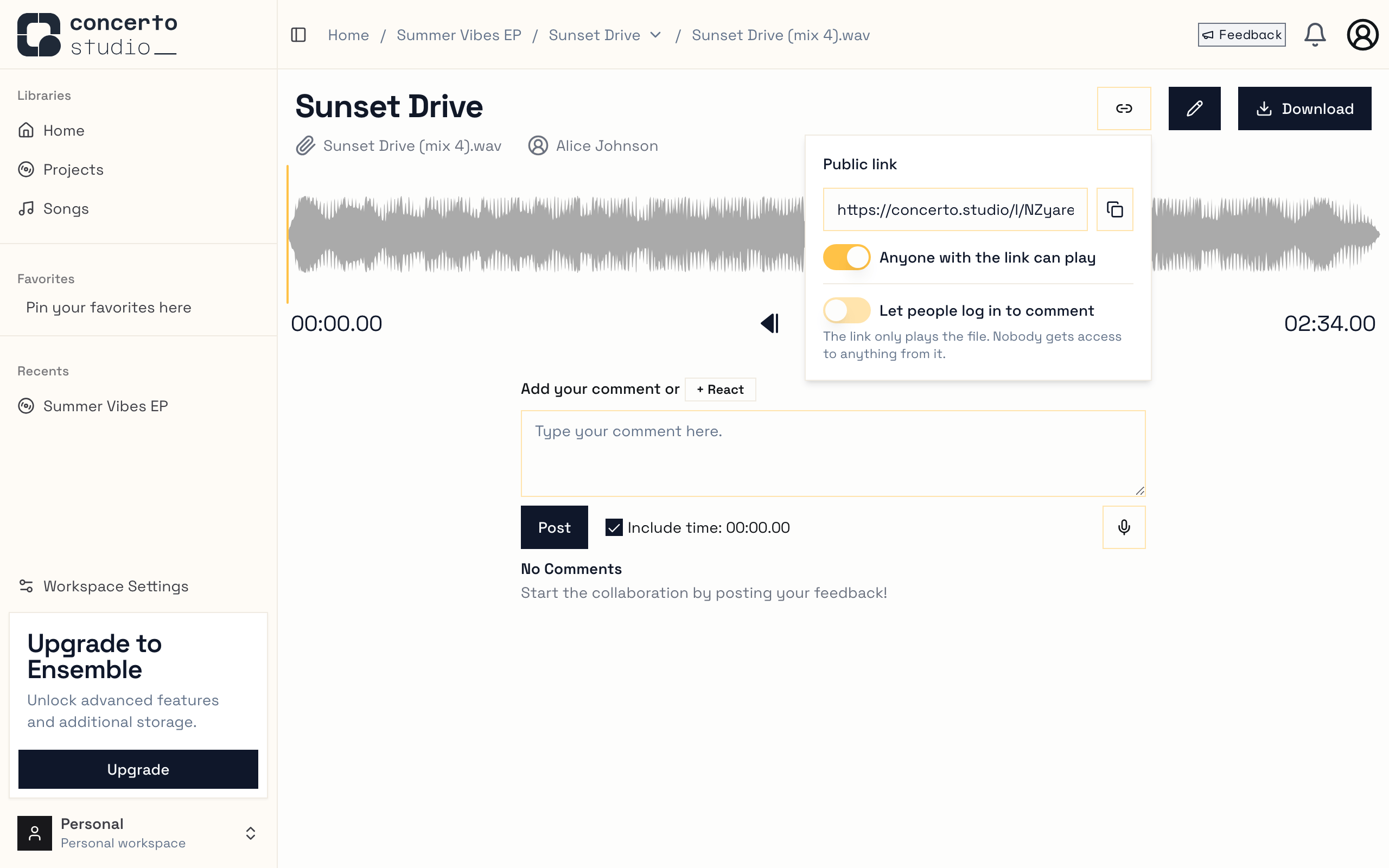
Each version gets one link, and its URL never changes. Want to stop sharing? Flip the switch in that same menu and the link stops working. Flip it back on and the same link works again.
Links point at a single version, not the whole song. When you upload mix 5, the link you already sent still plays mix 4 - just make a new link for the new version.
What They See
Whoever opens the link gets the song name, the version underneath it, and a player. No account, no login screen. We expect most of these links to get opened on phones, so the player fills the screen and you can tap or drag along the waveform to jump around the track.
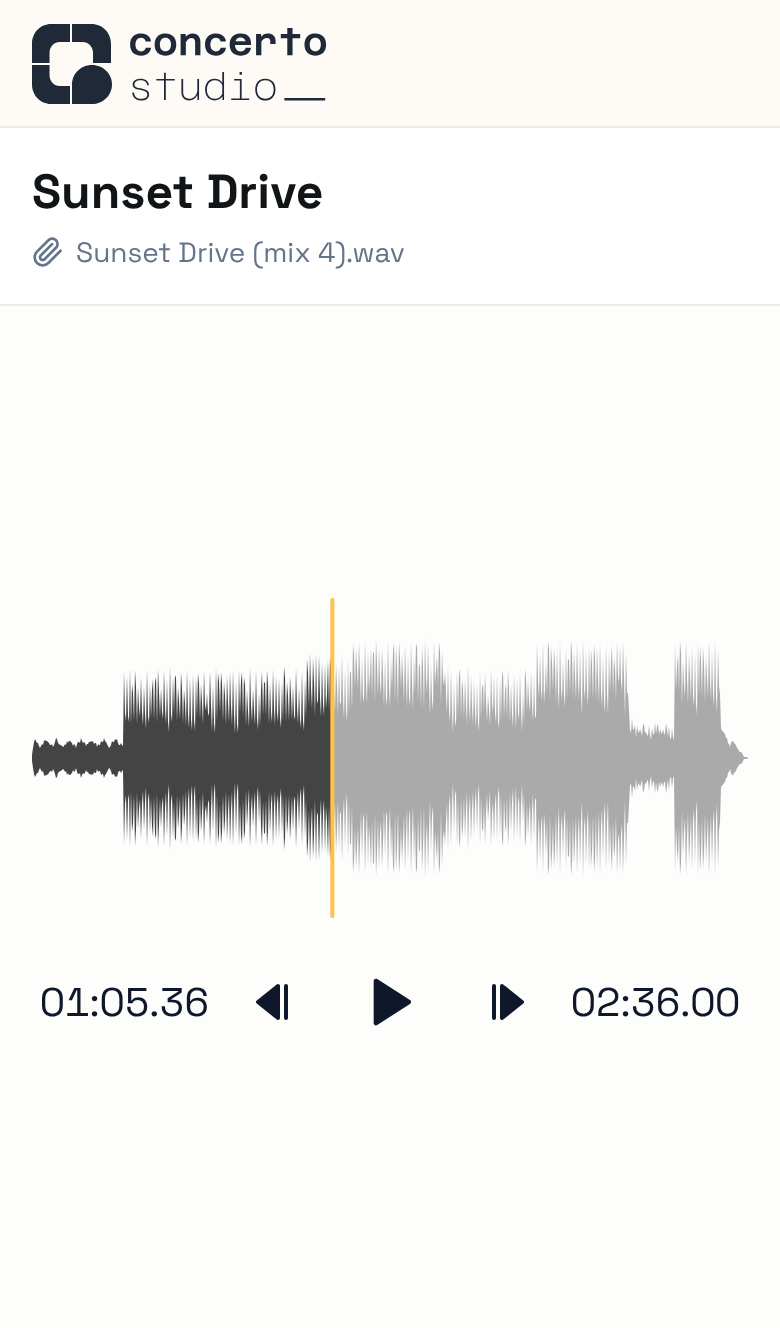
When you paste a link into a chat, the preview shows the song and version instead of a generic Concerto card.
Logging In From a Link
By default a public link just plays the file. Nobody gets added to anything, so you never end up with surprise guests on your song.
If you do want feedback from someone, a project admin can flip on Let people log in to comment in the link menu. Then anyone with a Concerto account who opens your link can click Open in Concerto (or log in first) to see the file in the full app, and leave timestamped comments and reactions just like the rest of your team.
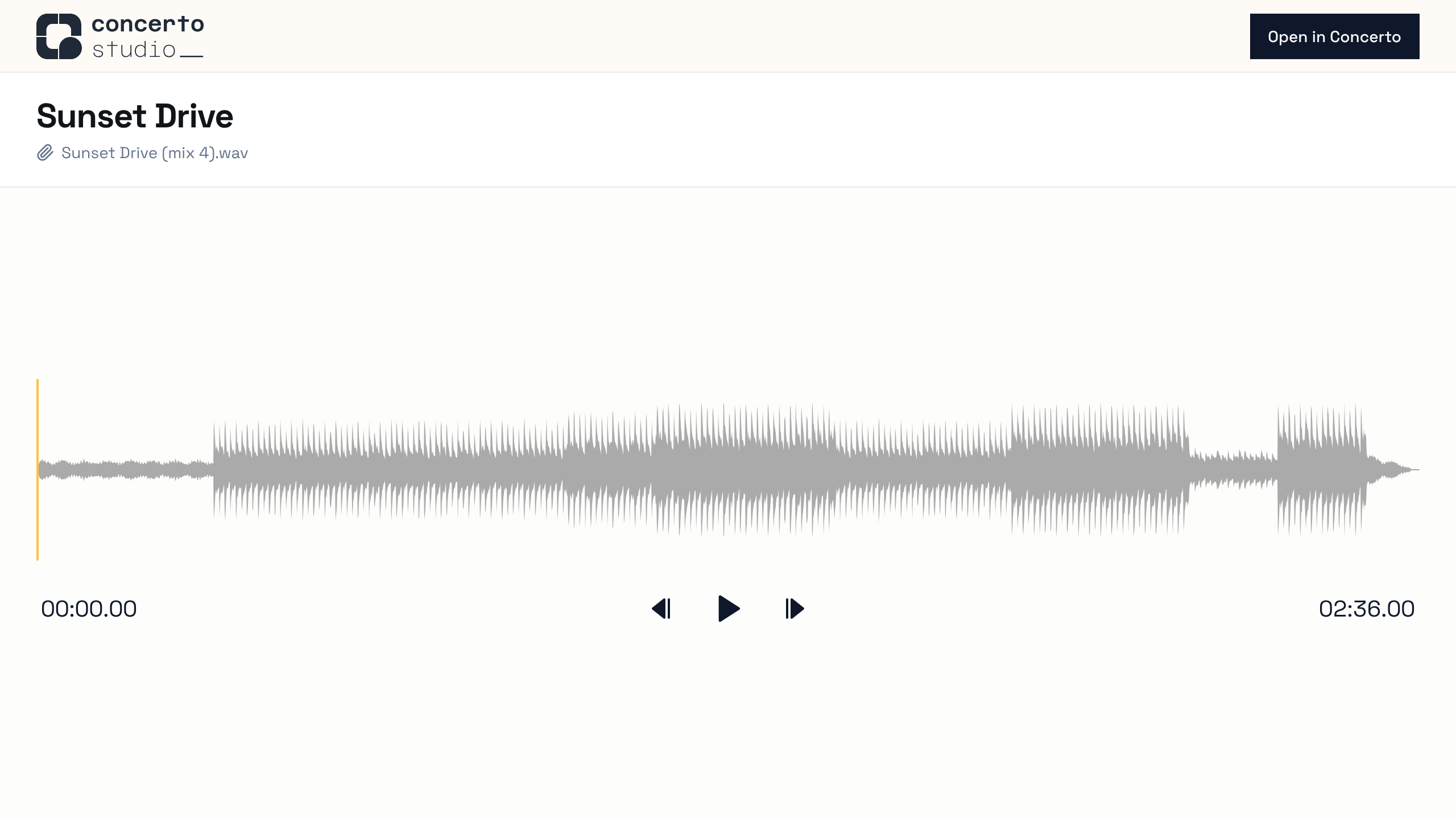
This only gives them access to that one version. They can't see the rest of the song, its other versions, or the comments on them. Keep in mind that they keep that access even if you turn the link (or the switch) off later.
If you're already on the team, the link skips all of this and takes you straight to the version.
Other Changes
- The play and skip buttons in the player are bigger and easier to hit on your phone, and screen readers can now tell what they are.
As always, let us know what you think - especially if you find a sharp edge.
Happy Creating,
The Concerto Team